Logo Files and Brand Guide
Brand Guide
Please consult the college’s official Brand Guide for the correct guidelines and recommendations on how to properly use the college logo(s), correct font selection and usage, along with allowed color choices and branding requirements.
College Logo Files
Logo files must be requested directly from the college’s Director of Creative Services. Please submit a Marketing and Communications Request (employees only) to request usage of the logo. If you are an outside individual or organization requesting permission to use the college logo, please use the Website Support Request form.
Desktop Background Wallpapers
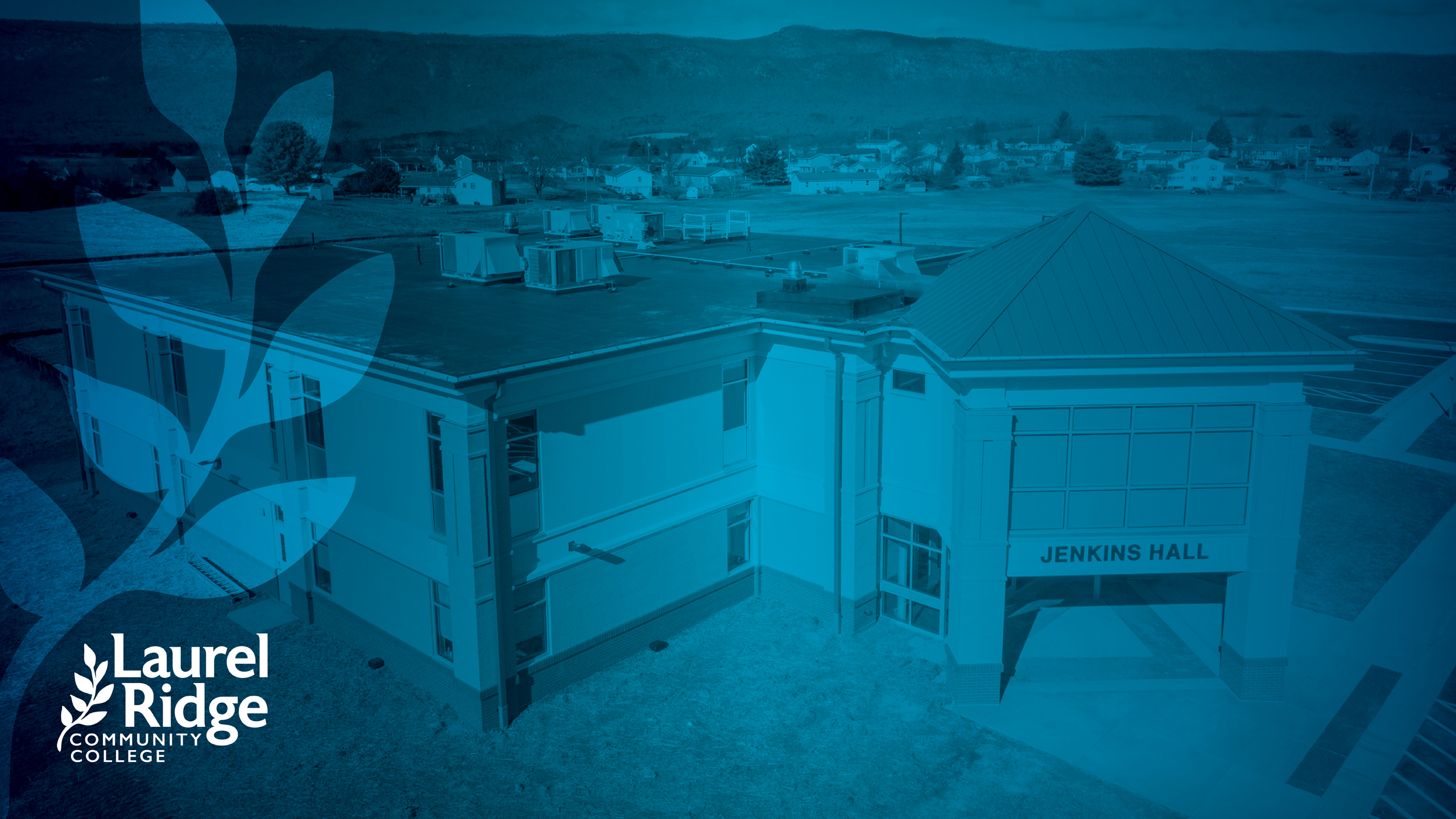
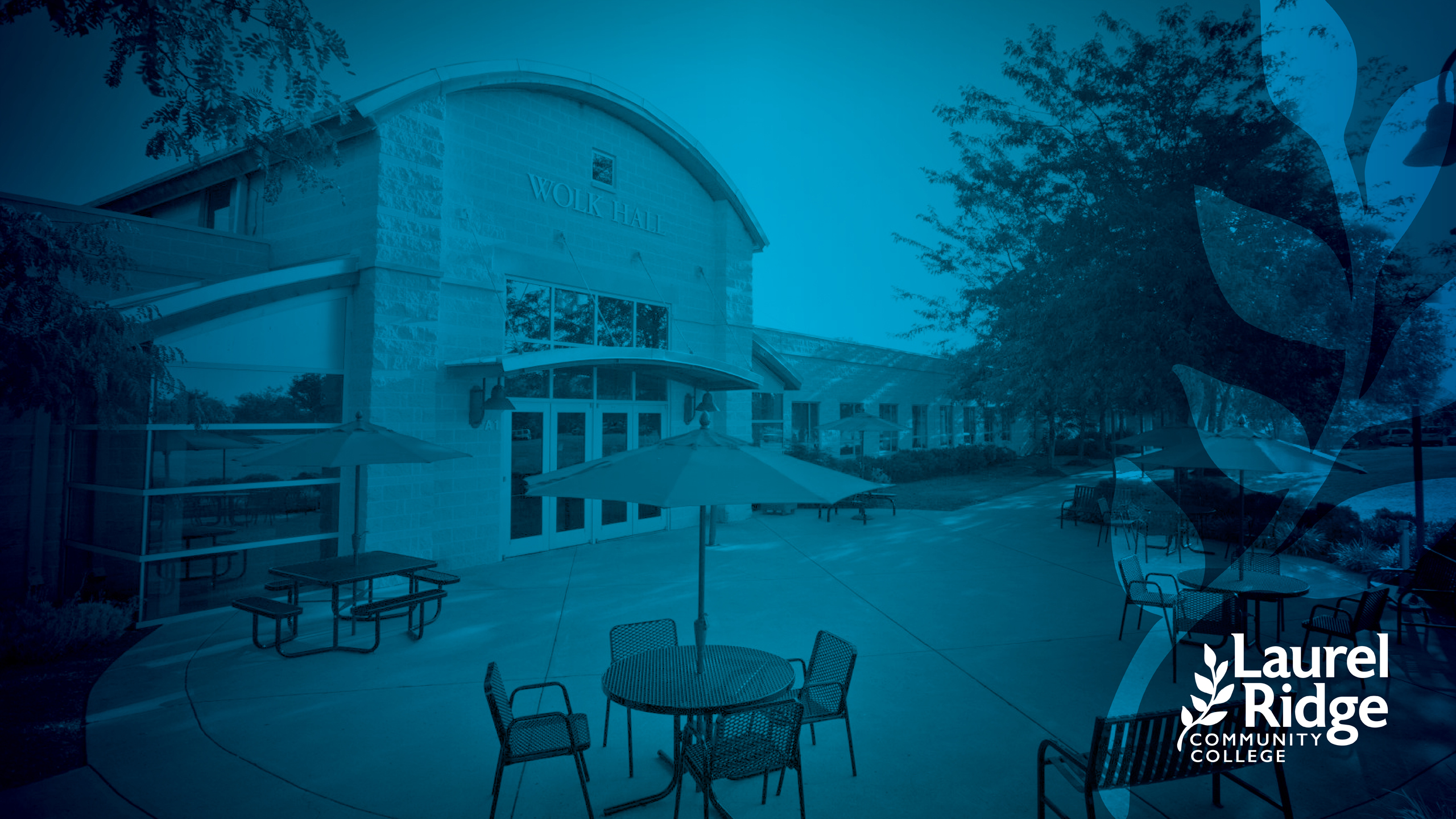
Official college desktop wallpaper computer backgrounds are available for use below. To download, click on any of the below images, and it will open in a full screen view. You can then save the image to your computer or mobile device.










Email Signatures
The official college HTML ADA-compliant email signature template can be found at the link below.
Please do not modify the colors, font size, or font type of the email signature. This meets our brand requirements and ADA accessibility for screen legibility.
If you need assistance with formatting your signatures, please contact the Director of Creative Services.
To use the template:
- Click the link below to open the signature in a new browser window.
- Choose “Edit” in your browser’s menu bar and then “Select All” to copy all contents of the signature. Or scroll and highlight all the content that appears in your browser window, right-click and choose “Copy”.
- Paste into the signature settings area of your email client.
- NOTE: Depending on the email application you use, the logo may appear larger than intended. Simply drag and resize to match the provided sample. If you still need assistance, please submit a help desk ticket to ITS.
- Modify the text to reflect your information.
Presentations
General Presentations
PowerPoint Presentation Templates
NOTE: A Laurel Ridge employee account is required to access these files. If prompted, please sign-in using the same login used to access your employee email, college-issued PC, etc. If you have any trouble, please contact Aaron Riddle, Director of Creative Services.
Stationery and Templates
NOTE: A Laurel Ridge employee account is required to access these files. If prompted, please sign-in using the same login used to access your employee email, college-issued PC, etc. If you have any trouble, please contact Aaron Riddle, Director of Creative Services.
Letterhead
- Electronic Letterhead (Microsoft Word File)
- Electronic Letterhead – Adult Education (Microsoft Word File)
- Electronic Letterhead – Foundation (Microsoft Word File)
- Electronic Letterhead – Workforce Solutions (Microsoft Word File)
Templates – Flyers
General
- Flyer Template – Version 1 (Word File)
- Flyer Template – Version 2 (Word File)
- Flyer Template – Version 3 (Word File)
- Flyer Template – Version 4 (Word File)
Workforce Solutions
- Workforce Solutions Flyer Template – Version 1 (Word File)
- Workforce Solutions Flyer Template – Version 2 (Word File)
- Workforce Solutions Flyer Template – Version 3 (Word File)
- Workforce Solutions Flyer Template – Version 4 (Word File)
Templates – Signage
- Signage Template – Class Schedule Change Door Sign
- Signage Template (8.5 x 11″) – Landscape / Horizontal (Word File)
- Signage Template (8.5 x 11″) – Portrait / Vertical (Word File)
- Signage Template (Half Sheet – 2-Up) (Word File)
- Signage Template (1/4 Sheet – 4-Up) (Word File)
- Signage Template (11 x 17″) (Word File)
Zoom Backgrounds
Official college zoom backgrounds are available for use below. To download, click on any of the below images, and it will open in a full screen view. You can then save the image to your computer or mobile device.